1 / 10 / 2025
workflow for Airfoil CFD simulation:
ntop-chopmesh
Introduction
This tutorial uses the airfoil NACA0012. The tutorial includes model import, setting boundary conditions, meshing and fluent automation operations.
Modeling
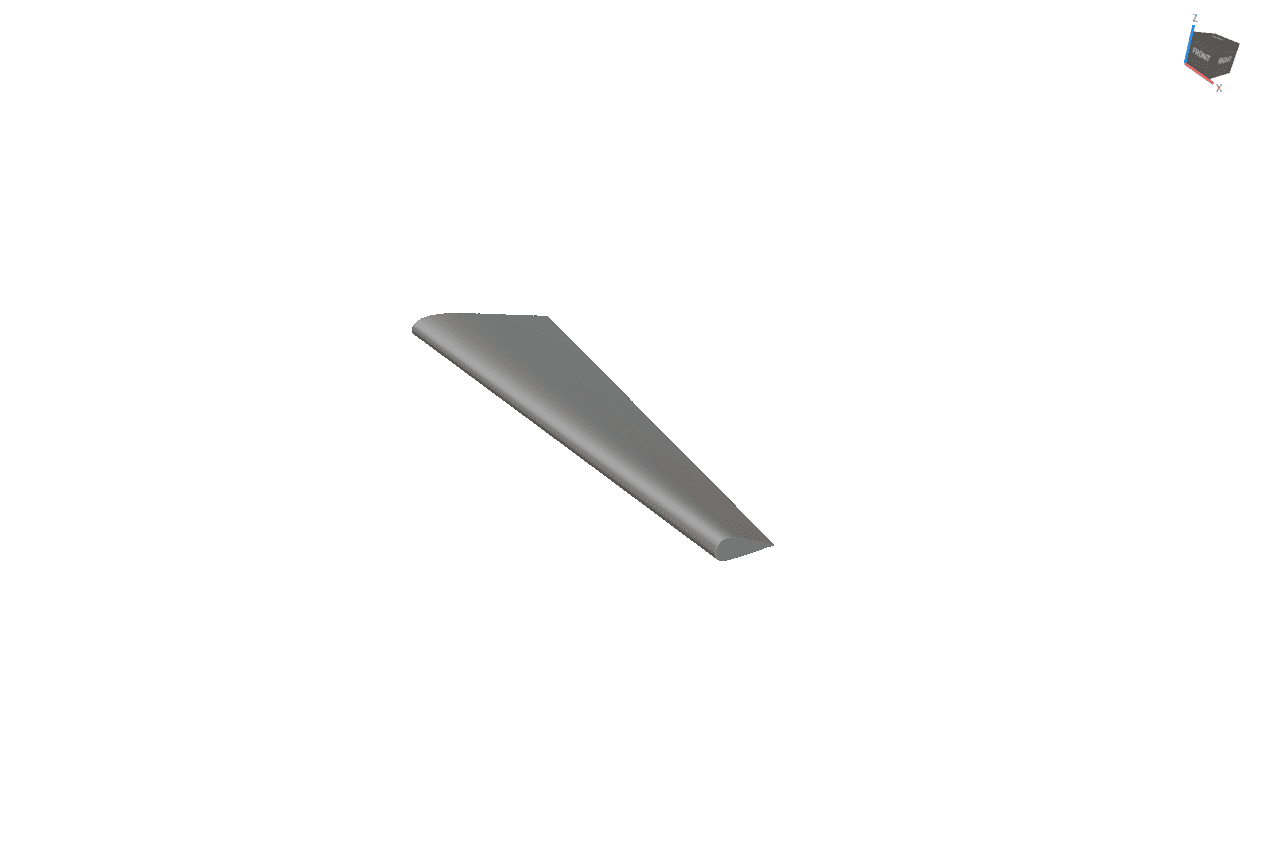
Wing
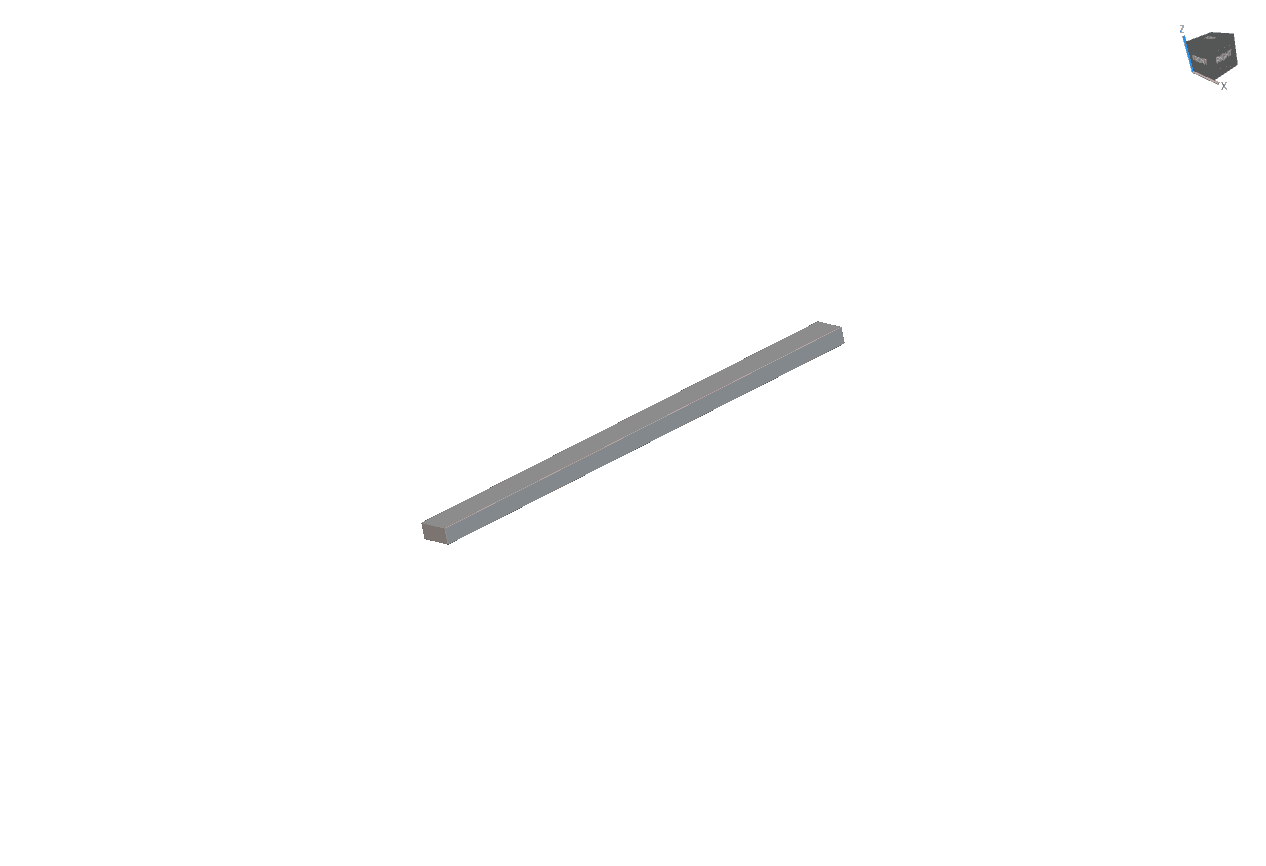
Fluid
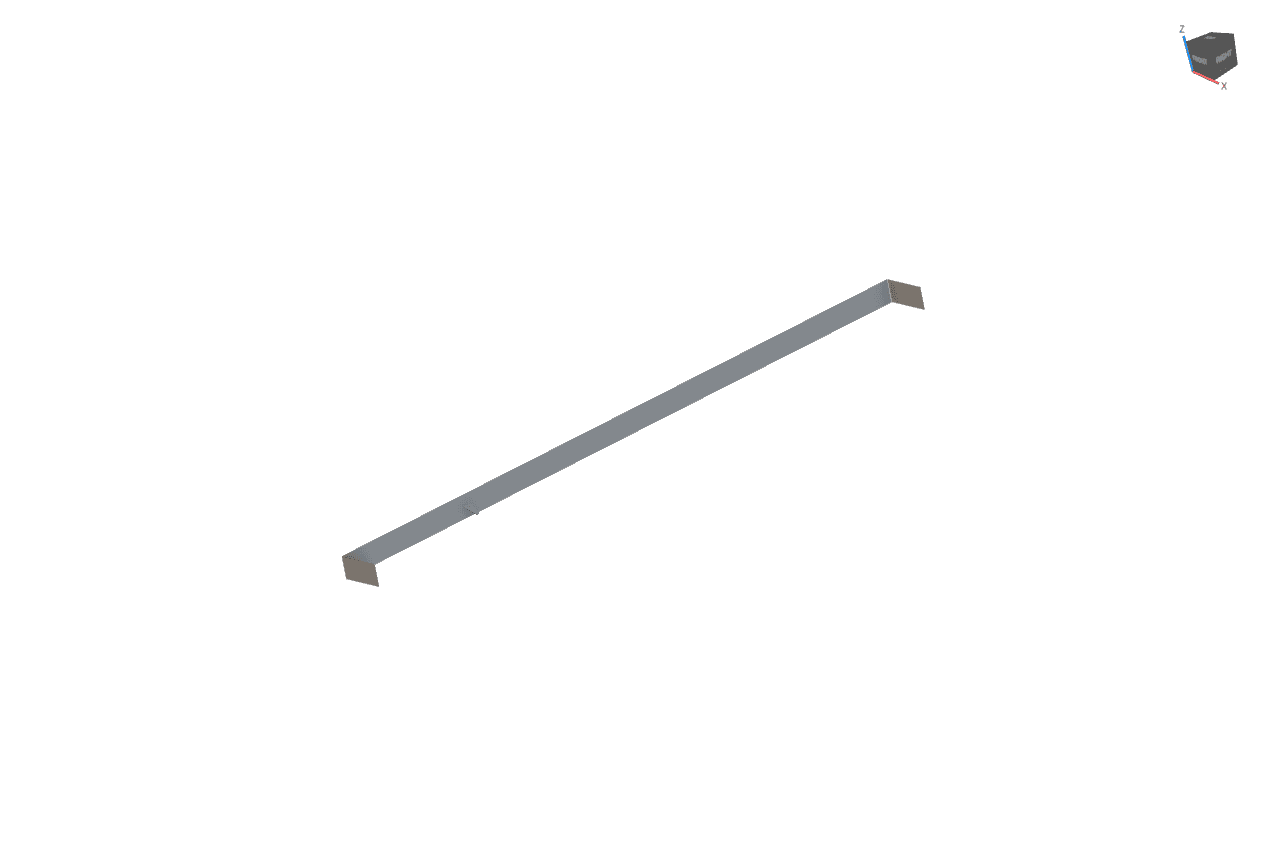
Boundary Conditions
Chop mesh Interface
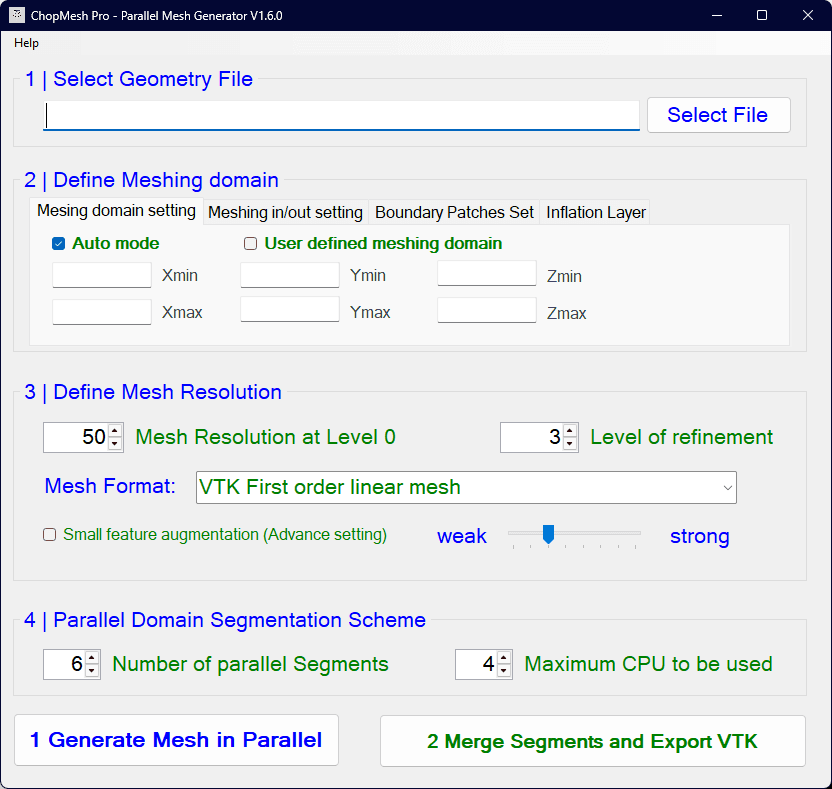
ChopMesh Component Functions
Select Geometry: Import geometric files (stl, vdb, implicit)
Define Meshing domain
Meshing domain setting
Meshing in/out setting
Boundary Patches Set
Inflation Layer
Define Mesh Resolution
Mesh Resolution at level 0
Level of refinement (0-6)
Mesh Format (msh, CGNS …)
Small feature augmentation
Parallel Domain Segmentation Scheme
Number of parallel Segments : Divide the model into equal parts along the x-axis
Maximum CPU to be used
Select gemometry

Boundary patches setting

The boundary condition setup is used by creating a block behind the front of the flow field thus selecting faces as boundary conditions. Tolerance is entered according to your needs. ( More than zero)
Generate Mesh

Click Generate Mesh in Parallel and the program will pop up a confirmation box. After confirmation, the program will run automatically in the background.
Mesh Export
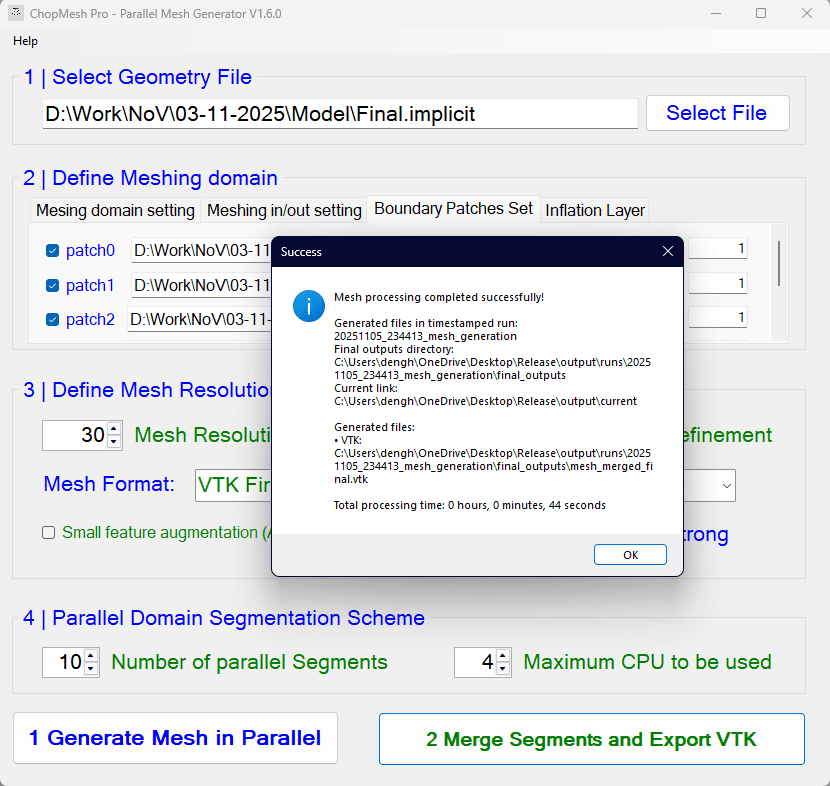
Select the mesh format you want in 3. and then click merge segments and export VTK. the program will run automatically in the background.
Mesh Export
Select the mesh format you want in 3. and then click merge segments and export VTK. the program will run automatically in the background.
Results
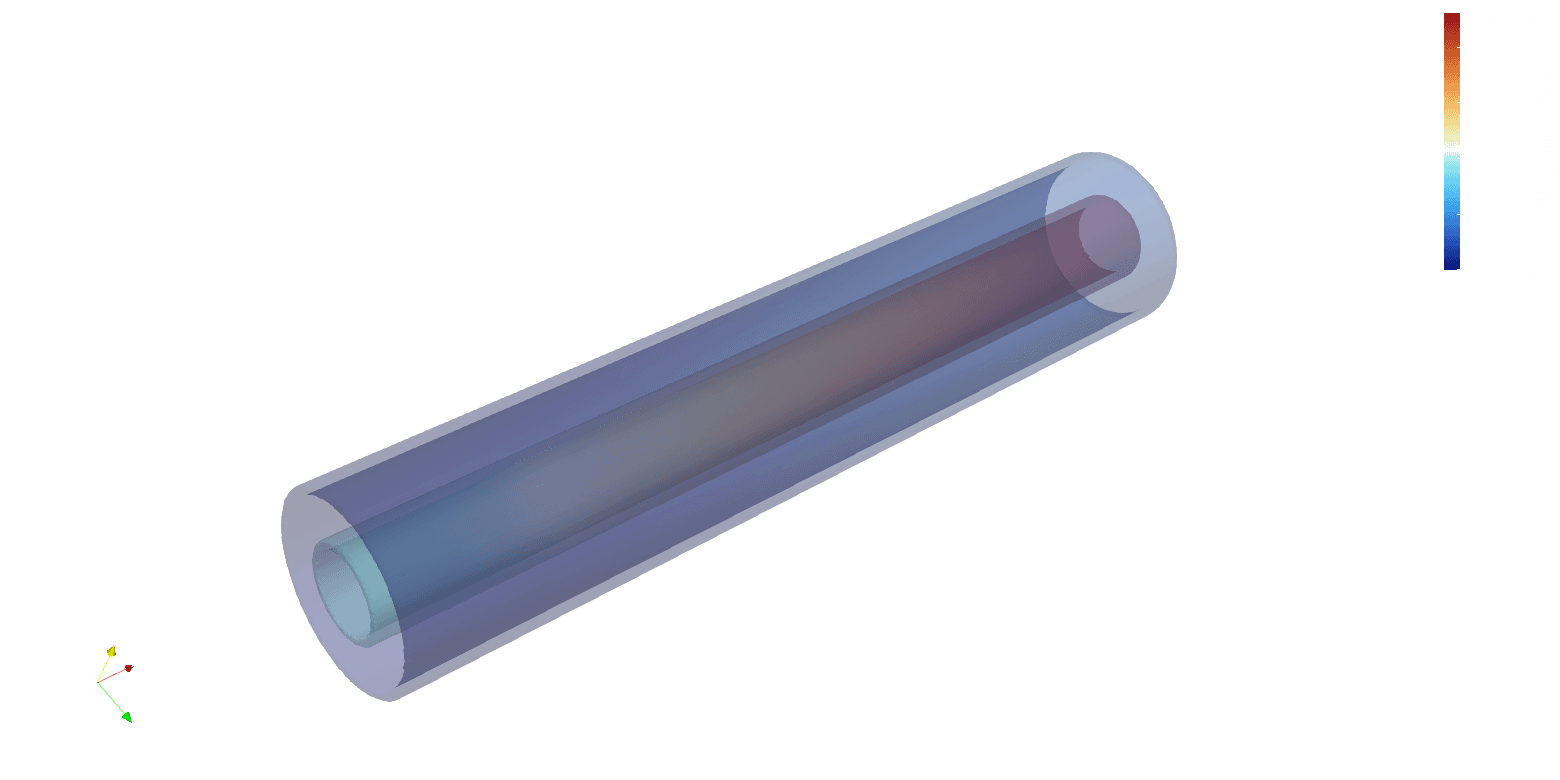
Solid of temperature
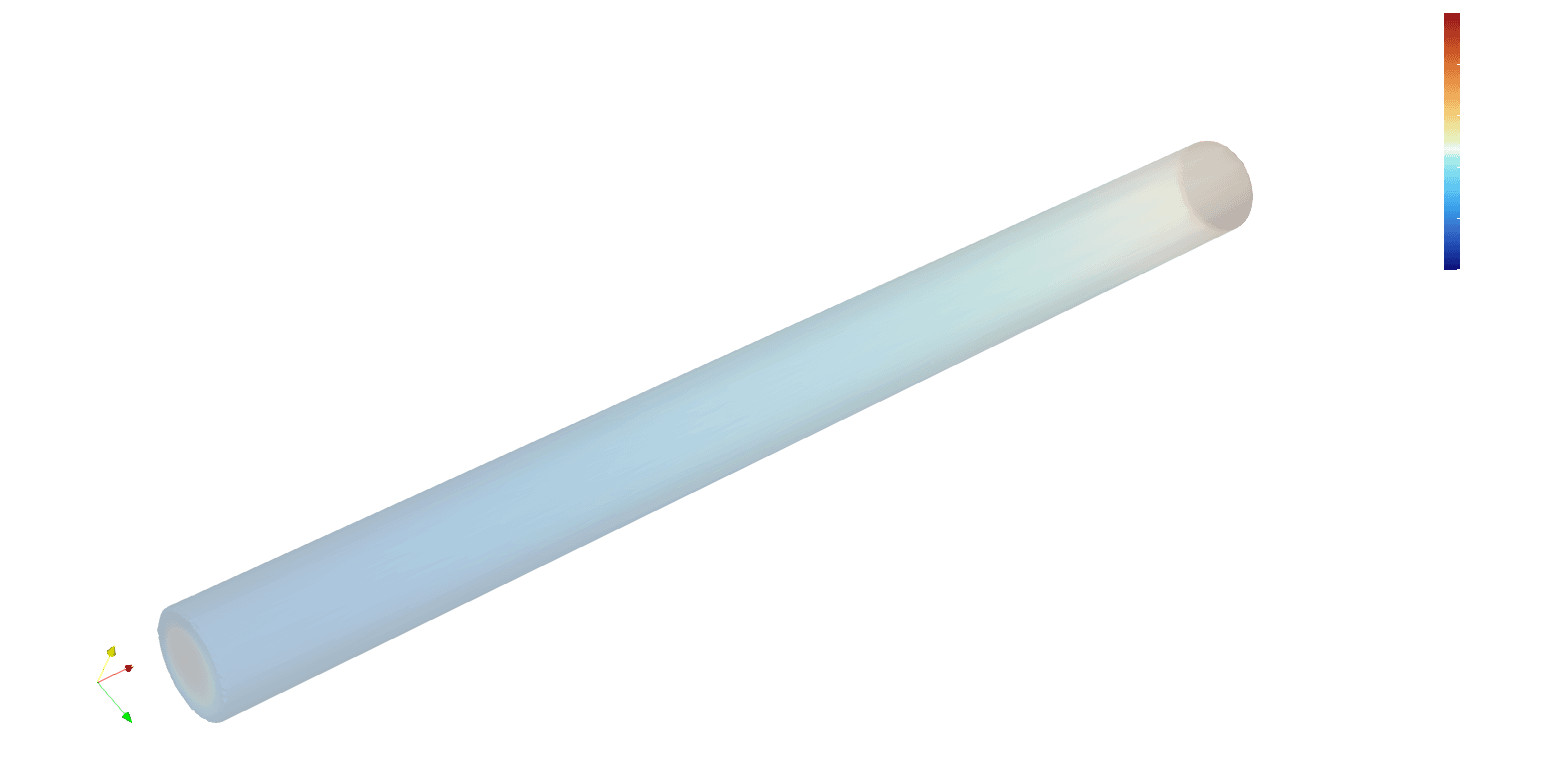
Hot Fluid of temperature
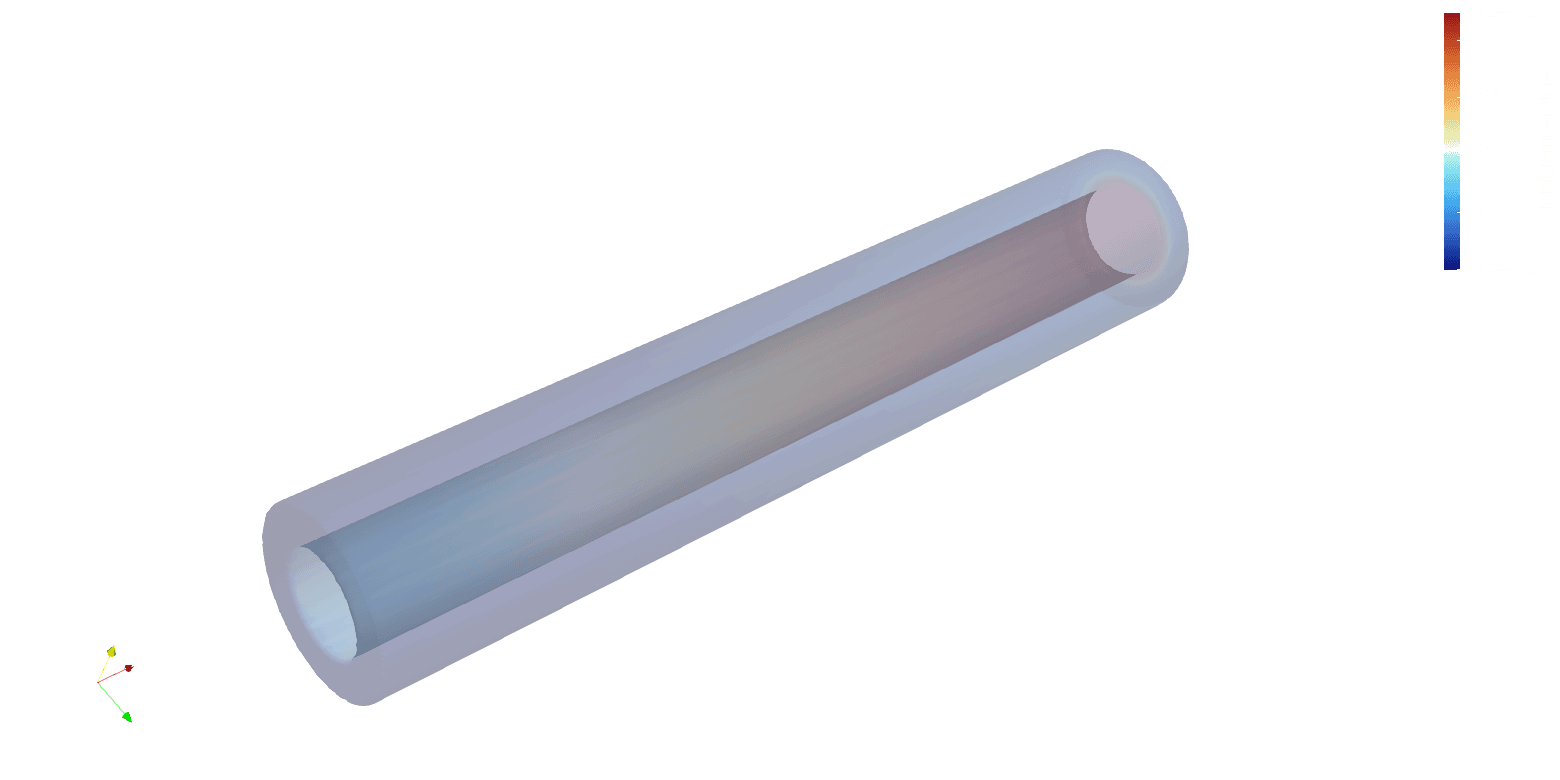
Colid Fluid of temperature