26 / 1 / 2026
tutorial: ChopMesh Pro V1.8.0 User Manual – Interface Operation Section
Introduction
ChopMesh Pro V1.8.0 is a mesh generation software designed to create high-quality computational grids for CFD and FEA simulations.
Interface
The ChopMesh Pro V1.8.0 interface is organized into four sequential sections—Geometry, Mesh Settings, Mesh Resolution, and Parallel Domain Segmentation—integrated with a left-side control panel and a right-side visualization window to guide users through the complete parallel mesh generation workflow.
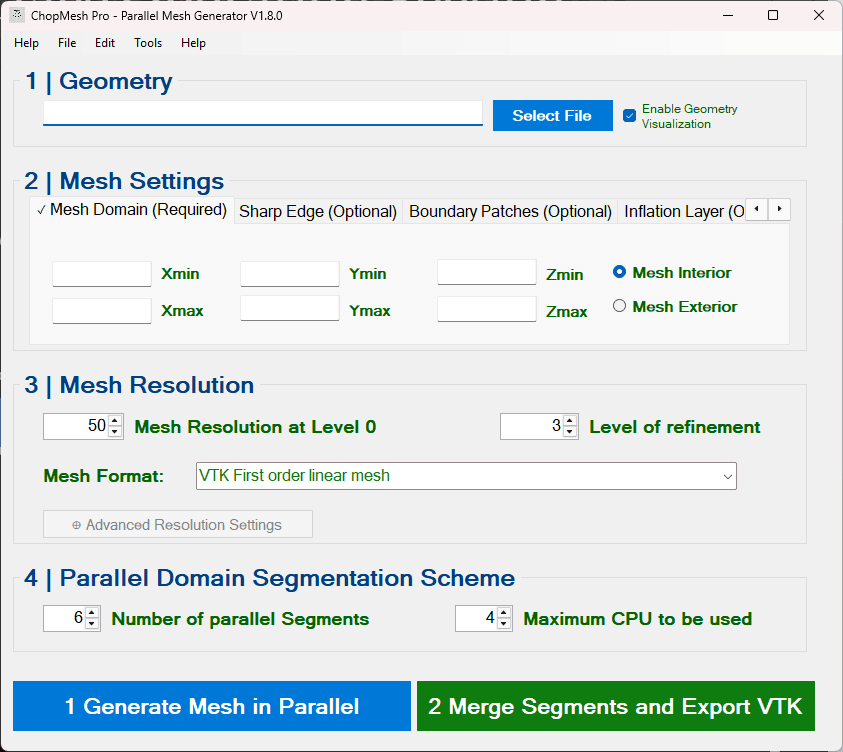
select geometry
ChopMesh Pro V1.8.0 supports multiple geometry formats, including STL, VDB, and implicit representations, allowing users to import a wide range of models for meshing.

Set Mesh Domain
In the domain setup module, users can freely adjust the X, Y, and Z boundaries to define the meshing region.

Mesh generation

Boundary patch
Auto: Auto Select patch

Manual: To manually select a boundary patch, a small auxiliary model should be created at both the inlet and the outlet of the main model to fully cover the corresponding boundary surfaces.

Inflation layer

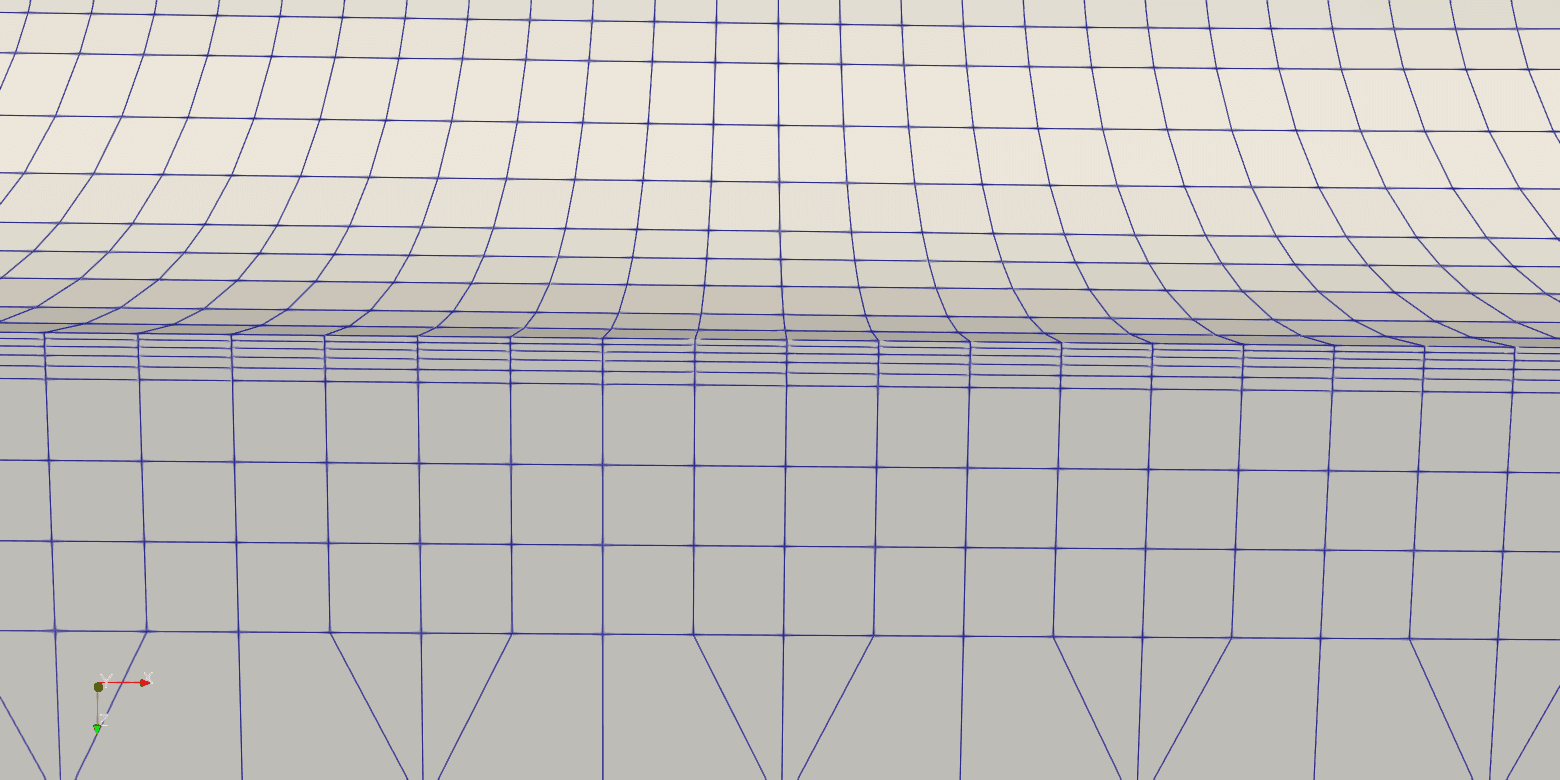
Total thickness: The total thickness of the boundary layer is defined as the combined thickness of all boundary layer mesh layers in the normal direction, measured from the wall surface.
Number of Layers: Within the specified total thickness, the boundary layer is divided into a defined number of mesh cells.
Growth Rate: Controls the growth ratio of the boundary layer mesh thickness between adjacent layers, with the thickness increasing progressively outward from the wall surface.
Mesh Display